UNLOCK TRICKS: Samsung IMEI Repair
Headlines News :

Support Us

Blogroll

Contact Form

Name

Email *

Message *

Followers

Labels

Pages

Facebook

Latest Post

Showing posts with label Samsung IMEI Repair. Show all posts

GT-S5380 IMEI Tool

Written By Unknown on Wednesday, July 17, 2013 | Wednesday, July 17, 2013


Download


To perform procedure you need to follow following steps:

FIRST RESET MSL S5380 How reset MSLCODE on this model? By JTAG !!

1.erase full sections from phone with jtag 


2.repair boot


2.turn on the phone screen with orange or red color


3.flashing with Multiloader fw + boot files


4.now have phone live (:


5.Use GT-S5380_IMEI_Tool for change IMEI


6.Enjoy


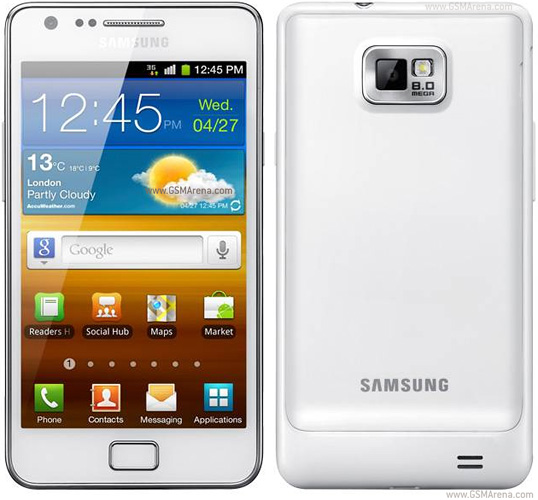
Samsung I9100 repair NO IMEI or UNKNOWN BASEBAND


1. Flash your SGSII with Odin v1.85 with the following firmware:- Download

2. Root your SGSII with : - Download

3. On your phone, connect to WIFI, go to market or play store, and download the following files:
GSII_Repair
Busybox Installer


4. Install Busybox v1.17.1

5. Open GSII_Repair

6. Go to Repair GSII tab, follow the steps.

7. Your phone will reboot and you finally can see your IMEI and BASEBAND
?max-results=10">Label 2'); document.write("?max-results="+numposts2+"&orderby=published&alt=json-in-script&callback=showrecentposts2\"><\/script>");
 
Support : Creating Website | Johny Template | Mas Template
Copyright © 2011. UNLOCK TRICKS - All Rights Reserved
Template Created by Creating Website Published by Mas Template
Proudly powered by Blogger